PennyBook article
Welcome to the PennyBook: Private Budget Website
Learn what this site offers, how PennyBook: Private Budget protects your data, and where to download the app.
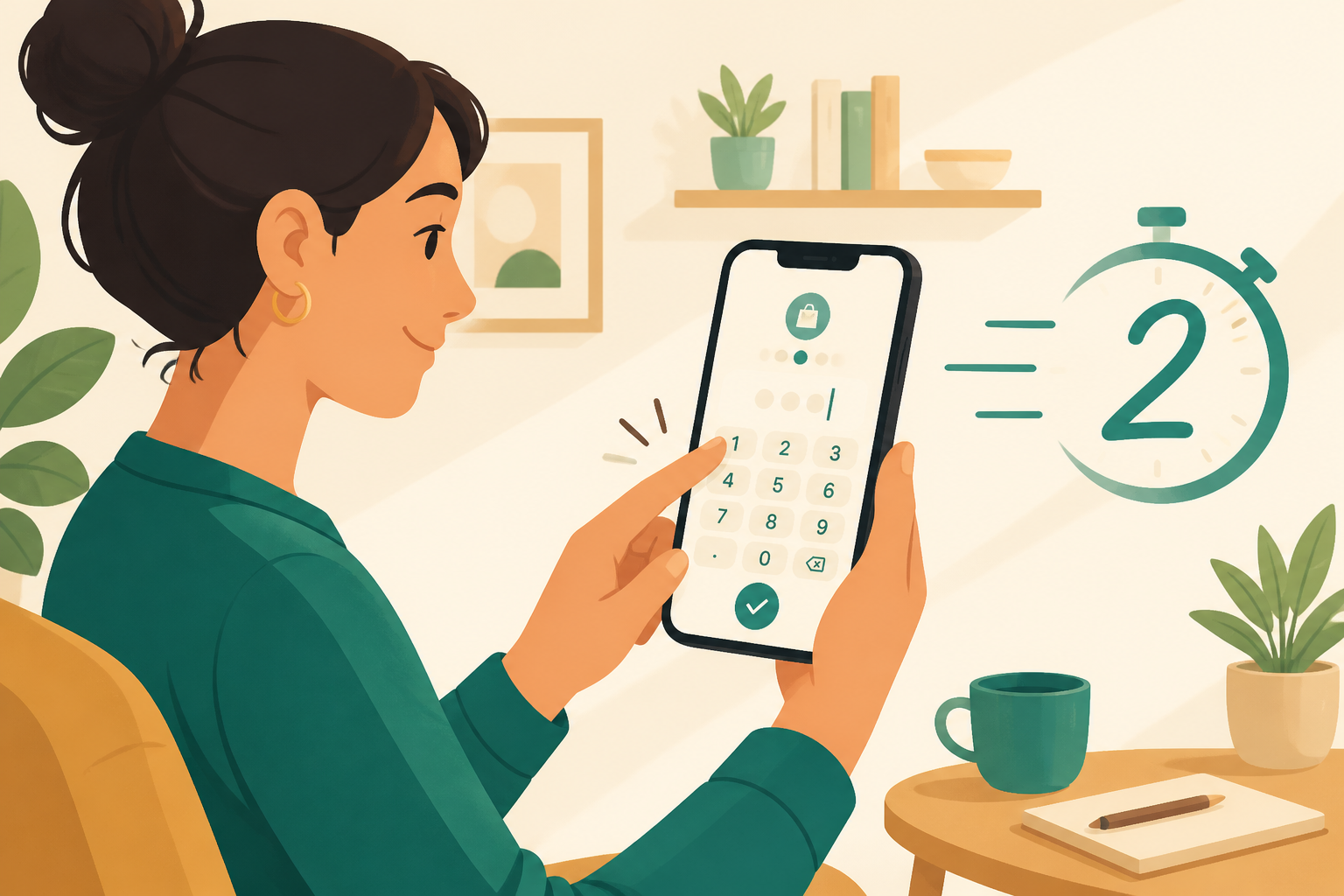
This is the official home for PennyBook: Private Budget—a fast, private expense tracker for iPhone. Whether you found us from the App Store, a friend’s recommendation, or a search for a calm budgeting app, this page explains what the site is for and how it helps you.
What PennyBook: Private Budget is
PennyBook: Private Budget helps individuals, couples, and families track everyday spending without bank links, ads, or mandatory accounts. Log an expense in seconds, set a monthly budget, and see how much you can safely spend today—all stored locally on your device.
The app is intentionally simple: it is not an investment platform, not a bank sync tool, and not financial advice. It is a private ledger for real life.
What you will find on this site
- Home: Feature overview, app screenshots, getting started steps, and FAQ for PennyBook: Private Budget.
- Privacy Policy: How PennyBook handles data—local-first by design.
- Terms of Service: Rules for using the app and this website.
- Blog: Practical budgeting tips and product updates.
Every page is available in multiple languages so you can read in the language you prefer.
Privacy comes first
PennyBook: Private Budget stores your records on your iPhone. We do not require sign-up, we do not show ads in the app, and we do not connect to your bank. If you upgrade to PennyBook Pro, the purchase is handled by Apple with entitlement validation through RevenueCat—your spending data still stays on your device.
Read the full Privacy Policy for details.
Download PennyBook: Private Budget
Ready to try it? Download PennyBook: Private Budget on the App Store. The core tracker is free, including one private book and CSV export. Upgrade once to PennyBook Pro when you want category budgets, multiple books, PDF reports, backups, Face ID lock, and Siri shortcuts.
Questions? Email hi@codemxm.com—we are happy to help.