Fast expense & income entry
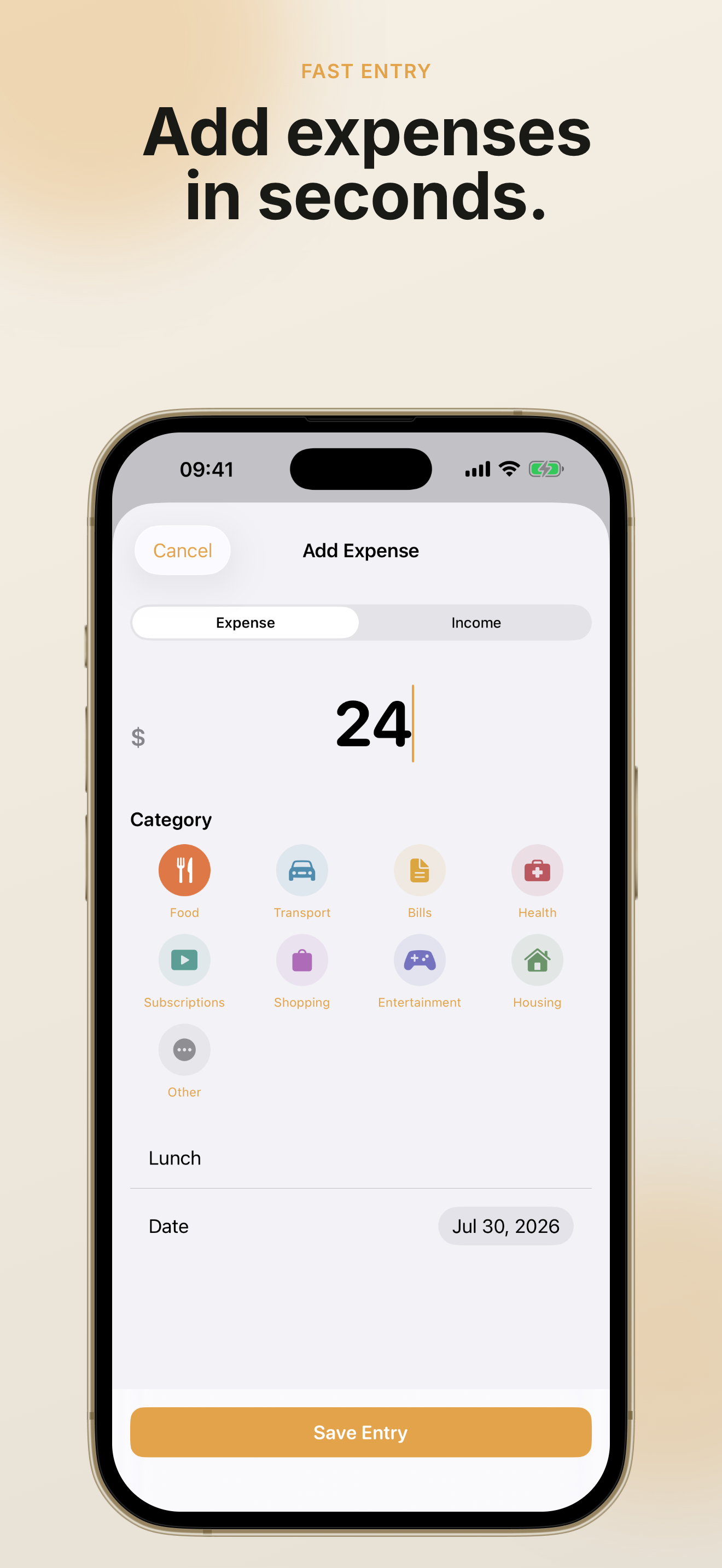
PennyBook: Private Budget focuses on speed—log spending and income in seconds with custom categories that match your life.
Private budget app for iPhone
PennyBook: Private Budget is a fast, local-first money tracker for individuals, couples, and families. Log an expense in seconds, see what is safe to spend today, and keep household costs organized on your device—no account required.
Free to start · One private book · CSV export included · Pro unlock available
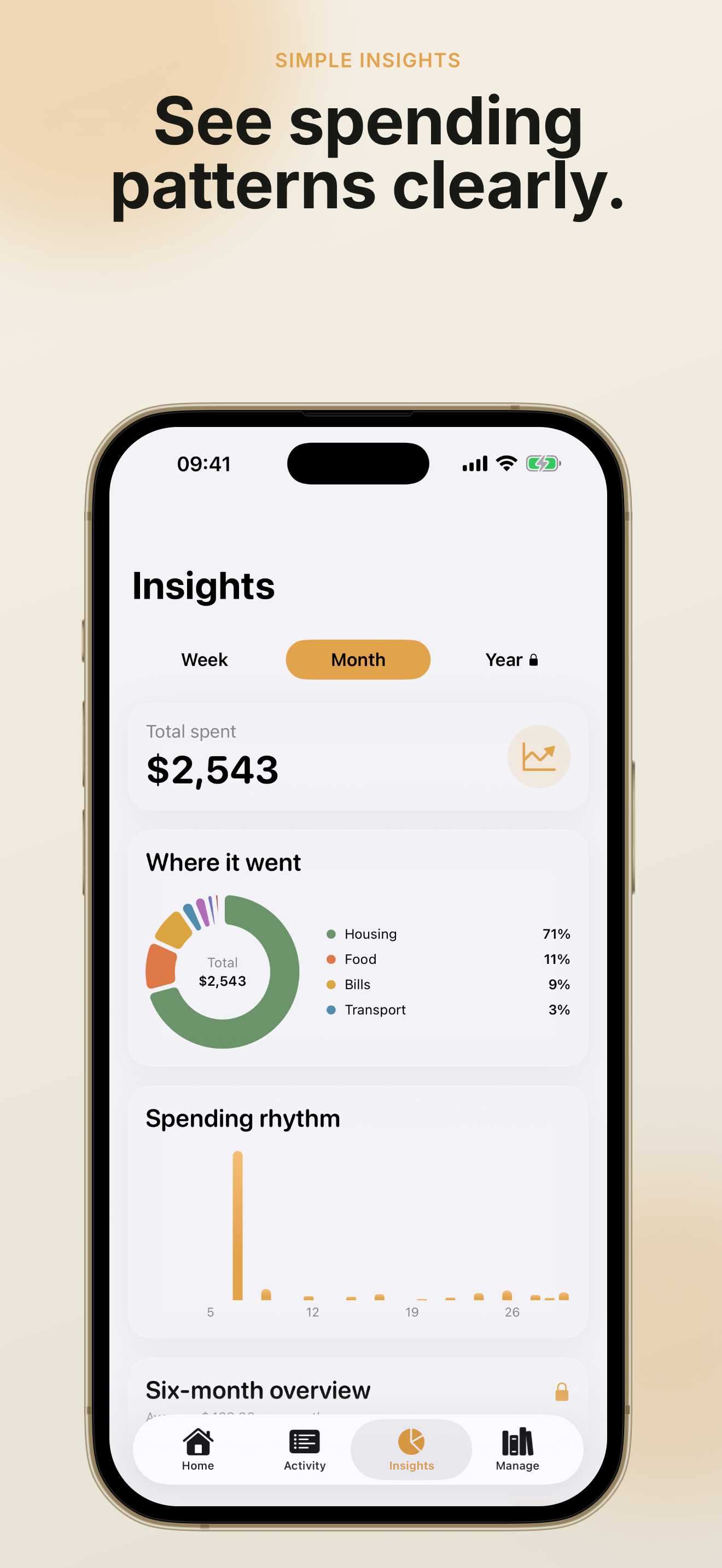
Swipe through real app screens to see how PennyBook: Private Budget helps you log spending, check your monthly budget, and review trends—calmly and privately.
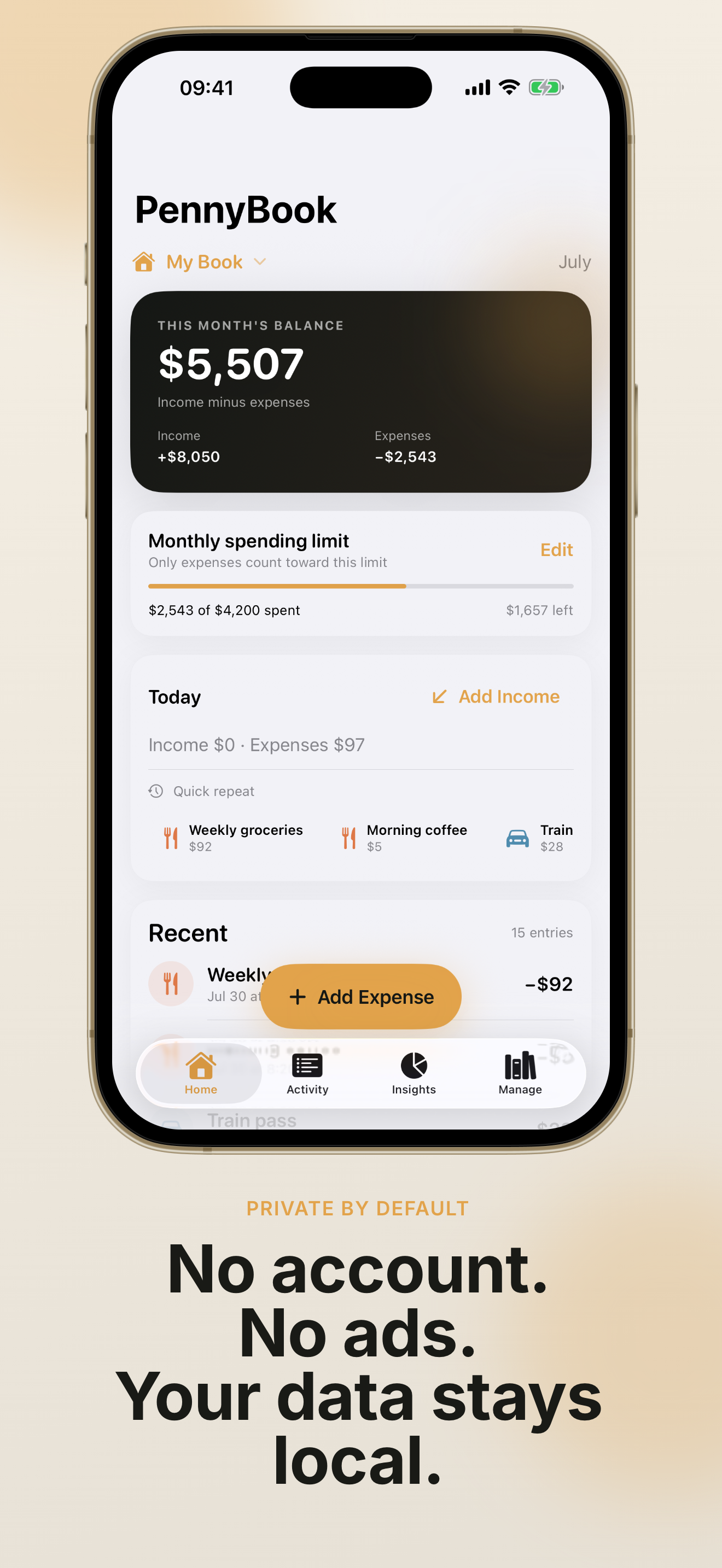
PennyBook: Private Budget is built for real daily life—quick entry, clear budgets, and privacy you can trust.
Open PennyBook: Private Budget, enter an amount, pick a category, and save. Recent entries make repeat spending even faster—perfect when you are walking out of a store or paying a bill.

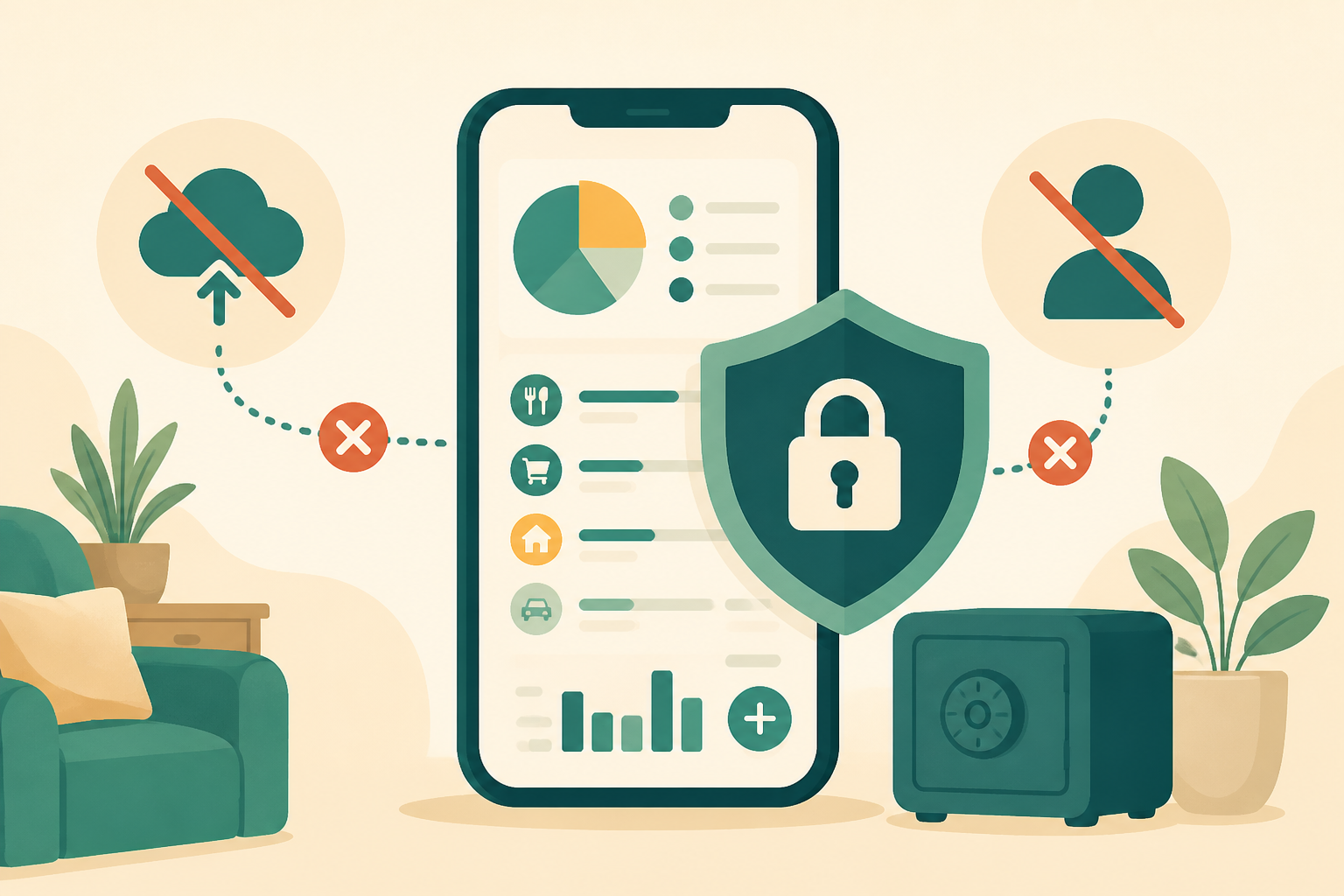
PennyBook: Private Budget stores your records on your iPhone. No account sign-up, no ads, and no bank connections. Export CSV only when you choose—your household budget stays yours.
Upgrade once inside PennyBook: Private Budget for category budgets, six-month insights, multiple books, bill reminders, PDF reports, CSV import, backups, Face ID lock, and Siri shortcuts—no subscription.

Everything in PennyBook: Private Budget is designed to help you track money calmly—without turning budgeting into extra work.
PennyBook: Private Budget focuses on speed—log spending and income in seconds with custom categories that match your life.
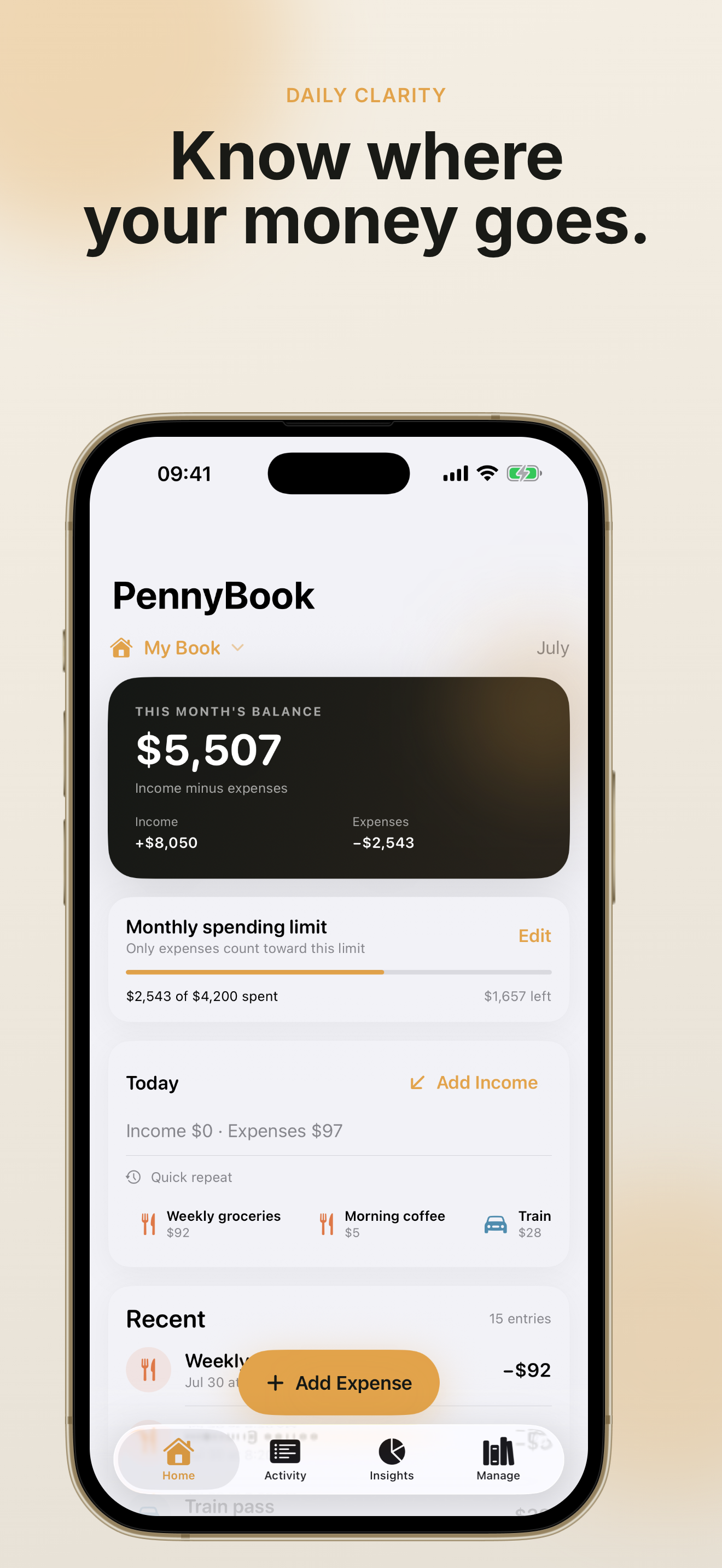
Set a monthly budget in PennyBook: Private Budget and see how much you can still spend today without guesswork.
Groceries, rent, kids, travel—PennyBook: Private Budget lets you organize spending the way your household actually works.
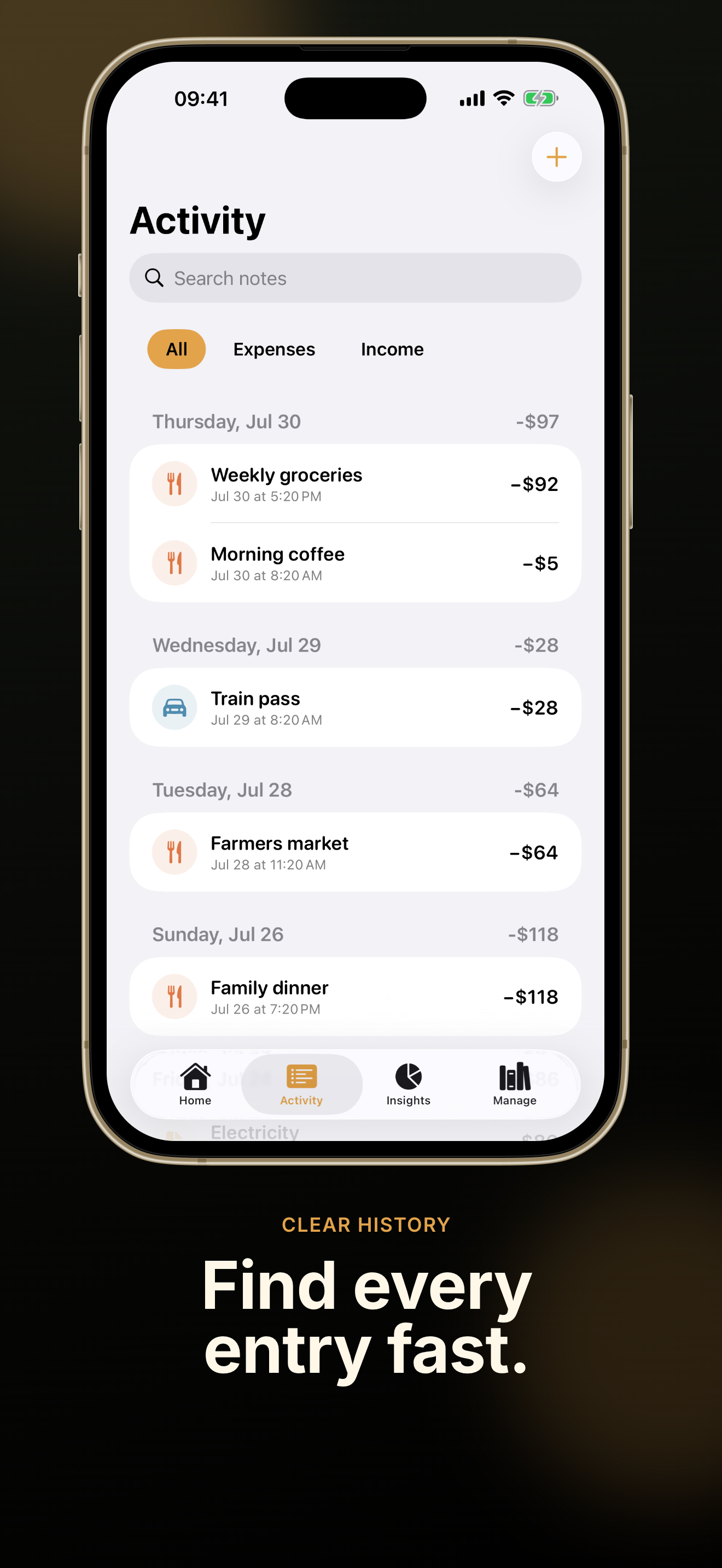
Find any record in PennyBook: Private Budget, duplicate recurring entries, and export CSV for spreadsheets—free.
PennyBook Pro inside PennyBook: Private Budget tracks recurring bills, auto-logs monthly entries, and sends local payment reminders.
Lock PennyBook: Private Budget with Face ID and log expenses hands-free through Siri Shortcuts when you upgrade to Pro.
Three simple steps to make PennyBook: Private Budget part of your daily routine.
Get PennyBook: Private Budget free on the App Store. No account is needed—open the app and start your first book immediately.
Use PennyBook: Private Budget to record everyday expenses and income. Set a monthly budget and check safe-to-spend each morning.
PennyBook: Private Budget learns your habits—recent categories make the next entry even faster.
When you want category budgets, multiple books, PDF reports, or backups, unlock PennyBook Pro once inside PennyBook: Private Budget—lifetime, no subscription.
Restore purchases anytime from Settings if you switch devices.
Read FAQ about ProCommon questions about PennyBook: Private Budget, privacy, and the one-time Pro unlock.
No. PennyBook: Private Budget works without sign-up. Your records stay on your iPhone unless you choose to export them.
No. PennyBook: Private Budget is a manual tracker—you enter expenses yourself. There are no bank links, which keeps your data local and under your control.
No. PennyBook Pro is a one-time in-app purchase through the App Store. You unlock category budgets, multiple books, reports, backups, Face ID, and more—forever.
Yes. Many households use PennyBook: Private Budget on a shared family iPad or keep separate books for personal, travel, and home budgets with PennyBook Pro.
No. PennyBook: Private Budget is for everyday expense tracking and budgeting only—not investments, bank syncing, or professional financial advice.
Email hi@codemxm.com or read our blog for tips. Privacy Policy and Terms of Service are linked in the app Settings and on this site.
Download PennyBook: Private Budget today and see where your money goes—without ads, accounts, or bank connections.
Free to start. Upgrade to PennyBook Pro once when you need the full toolkit.
Available on iPhone · Requires iOS 17 or later